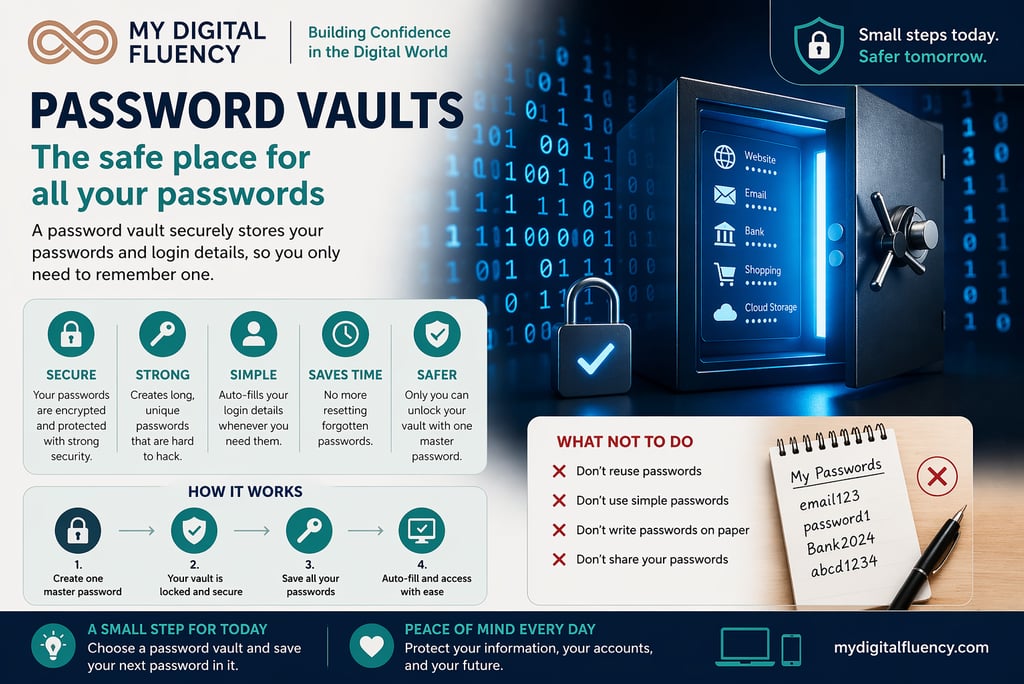

Password Vaults (The Safe Place for All Your Passwords)
If you’ve ever struggled to remember passwords, or kept them written down somewhere “safe,” you’re not alone.
DIGITAL ONLINE SECURITYONLINE RETIREMENT TIPS
Andrea Stradling
6/18/20262 min read
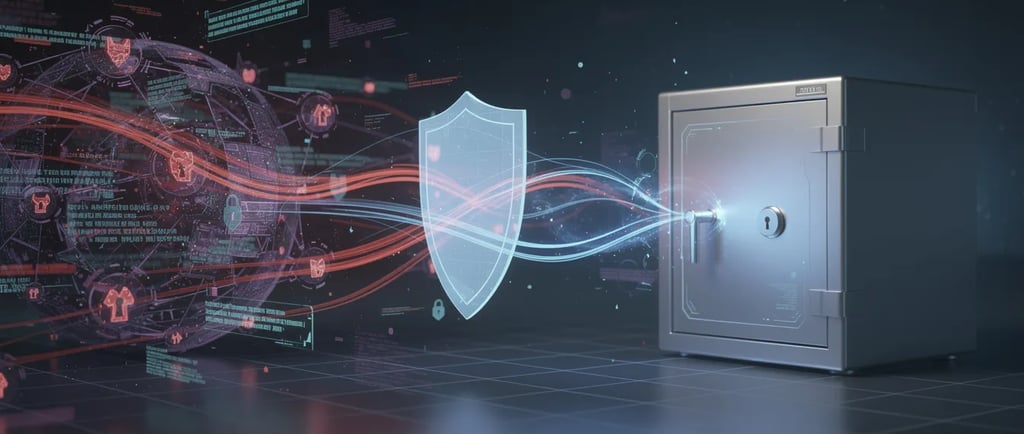
Most of us are juggling dozens of accounts, and it’s simply not realistic to remember a strong, unique password for each one.
That’s where things can start to fall apart. But there’s a simple solution that removes the stress completely.
💡 The Simple Idea
👉 A password vault securely stores all your passwords, so you only need to remember one.
It acts like a digital safe:
Protecting your passwords
Generating strong one's for you
Filling them in automatically when needed
👉 Everything is locked behind one master password
🚩 What to Watch For / Key Risks
Without a password vault, people often fall into risky habits:
Reusing the same password across multiple sites
Choosing simple passwords that are easy to remember
Writing passwords down in notebooks or files
Resetting passwords frequently due to forgetfulness
👉 If one account is breached, reused passwords can expose everything else
🧠 Simple Way to Think About It
👉 Think of a password vault like a secure bank vault.
Your passwords are your valuables
The vault is the secure storage
Your master password is the key
Instead of leaving valuables scattered everywhere…
👉 everything is protected in one secure place
✅ What To Do Instead
Here’s how to make this simple and practical:
1. Use a Password Vault
Choose a trusted app or built-in tool
Store your passwords securely in one place
👉 Password vaults encrypt your information so it can’t be read by others
2. Create One Strong Master Password
Use a passphrase (e.g. 3–5 random words & a few numbers/symbols)
This is the only password you need to remember
👉 It unlocks your entire vault
3. Let the Vault Create Passwords
Use generated passwords when signing up
These are long, random, and hard to crack
👉 This improves security without extra effort
4. Let It Do the Work
Auto-fills usernames and passwords
Saves time and prevents typing errors
👉 It makes good security easy and automatic
🌼 A Small Step for Today
Pick one simple action:
👉 Turn on your browser or phone’s password manager
👉 Save your next login using it
You don’t need to change everything at once
👉 just start building the habit
💬 Final Thought
A password vault doesn’t make things more complicated
👉 It removes the burden completely.
You don’t need to remember every password.
👉 You just need one and let the vault handle the rest.
Also worth taking a look at this article from PC Mag for vault ideas and recommendations: The Best Password Managers for 2026